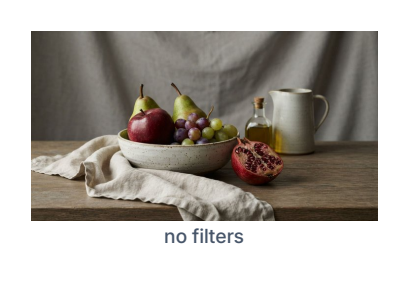
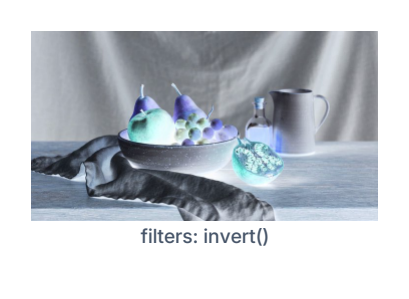
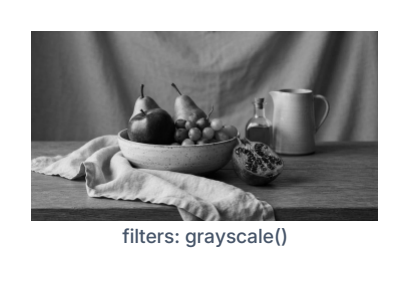
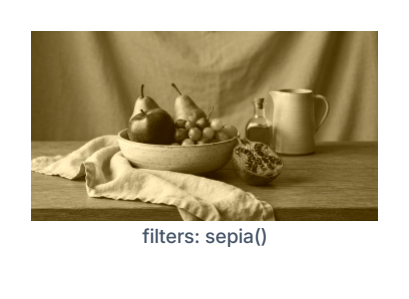
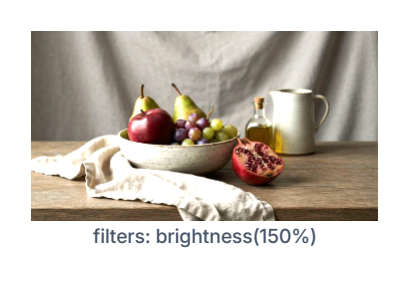
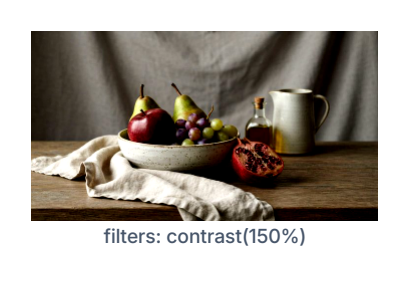
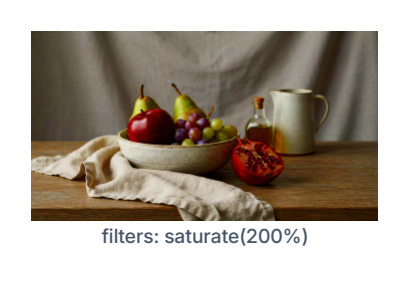
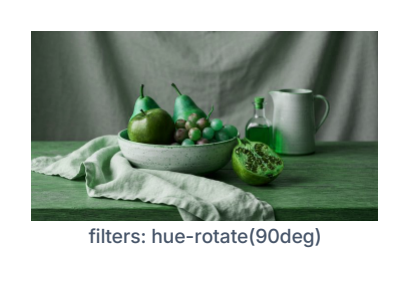
An Image block's filters property (see {overlay}.json's image block for the full property reference) is a CSS-flavored chain of filter calls, applied to the resolved image - whatever source it came from: a static asset, a photo field, or a signature field (these all resolve to the same kind of file, so filters work identically regardless of which one a block is bound to).

{ "id": "logo", "type": "image", "source": "assets:dealer_logo.png",
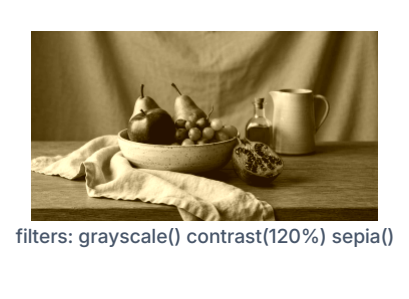
  "fit": "contain", "filters": "grayscale() contrast(120%) sepia()" }

Calls are space-separated; a filter with no arguments can drop the parentheses (grayscale and grayscale() are the same thing). Leave filters unset for no effect - the default.

The Overlay Editor's canvas shows the filter chain live as you type, not just after generating a PDF.

Catalog

Deliberately a simple, reliable subset, not the full CSS filter vocabulary - every entry below is a plain per-pixel color operation (no blur, no drop shadow, no other spatial/kernel filter):

Filter Arguments
invert() none
grayscale() none
sepia() none
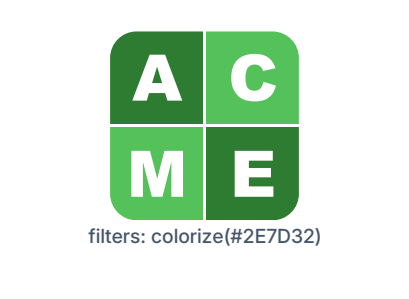
colorize(hex) one hex color, or an inputs:field_id reference (see {overlay}.json's "Color values") - tone-preserving recolor, see the callout below
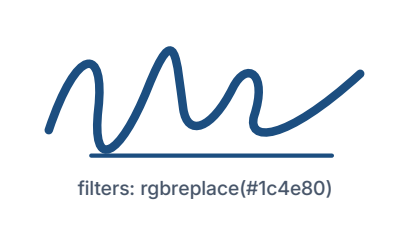
rgbreplace(hex) one hex color, or an inputs:field_id reference (see {overlay}.json's "Color values") - flat recolor, see the callout below
brightness(pct) one percentage - 100% is unchanged
contrast(pct) one percentage - 100% is unchanged
saturate(pct) one percentage - 100% is unchanged
hue-rotate(deg) one angle

Resolution

Before any filter runs, a source image larger than its block's own print size is downsized to that size (200 DPI reference) - never upscaled. A photo straight off a phone camera can be many megapixels; the block it's printed into is usually a few square inches, so there's nothing to gain from filtering pixels that never make it into the final PDF. This has no visible effect on quality - nothing renders above print resolution anyway - it just keeps a large source photo fast to filter.

A second, absolute ceiling sits on top of that, independent of print size: neither axis is ever filtered above the app's Max Filter Resolution setting (default 1240px), even for a poster-sized block whose own print-size target would otherwise still be large. Since every filter here is a plain per-pixel color operation with no detail-dependent effect, a filtered image capped below its actual print resolution looks the same, just cheaper to produce - a deliberate quality/ speed tradeoff bounding worst-case filter time for very large physical documents, not a bug.

colorize() vs. rgbreplace()

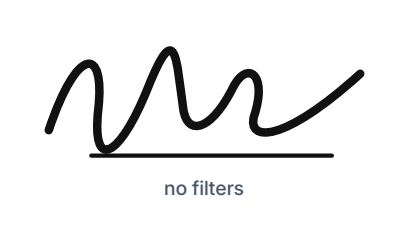
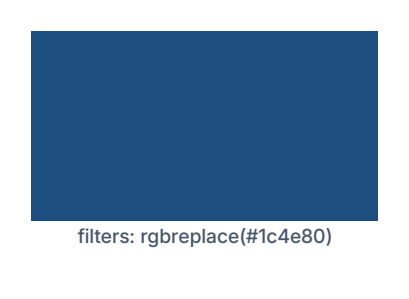
rgbreplace() replaces every non-transparent pixel with one flat, uniform color, preserving only alpha - it never looks at the pixel's own brightness. That's exactly right for alpha-masked content: a captured signature (solid ink on a transparent background) or a logo SVG, where every "inked" pixel really is meant to become the same target color. It's the wrong tool for a fully-opaque source (any JPEG, most PNGs) - with no transparency to shape the effect, every pixel gets the same flat color and the whole image turns into a solid rectangle, all photo detail gone.

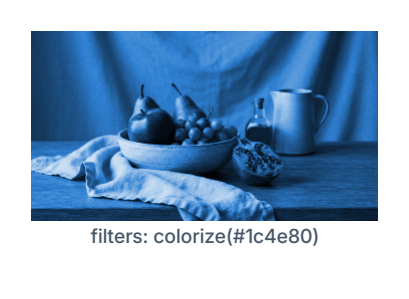
colorize() is the tool for that case instead: it keeps each pixel's own lightness and only shifts its hue/saturation to match the target color, so shadows stay dark and highlights stay light - a genuine duotone tint rather than a flat block:

{ "filters": "colorize(#1c4e80)" }

For finer manual control than a single target color gives you, the same effect can still be built by hand from the more basic filters:

{ "filters": "grayscale() sepia() hue-rotate(200deg) saturate(220%)" }

SVG assets

An SVG-sourced Image block never rasterizes - it stays crisp vector output at any size, no matter which filters are applied. rgbreplace() applies natively, the same way a fill/stroke recolor already works on an SVG. Every other filter, including colorize(), applies by reading the SVG's own literal fill/stroke colors and replacing each one with its own filtered value - correct for flat/icon SVGs (a small number of solid colors), which is the kind of SVG this app supports best anyway. A color the SVG expresses some other way (a gradient, currentColor, a named CSS color) is left as-is.

Failure handling

A syntax error, an unrecognized filter name, or the wrong argument count/type for a known filter doesn't fail the whole chain, or the block, or the PDF - that one call is simply skipped and every other valid call in the chain still applies. The Overlay Editor's Filters field flags this with a red outline as you type, but never blocks Save.